DGFT Refund Management System
Organisation : Directorate General of Foreign Trade (DGFT)
Facility Name : Refund Management System
Applicable Country : India
Website : https://www.dgft.gov.in/CP/
| Want to ask a question / comment on this post? Go to bottom of this page. |
|---|
What is DGFT Refund Management System?
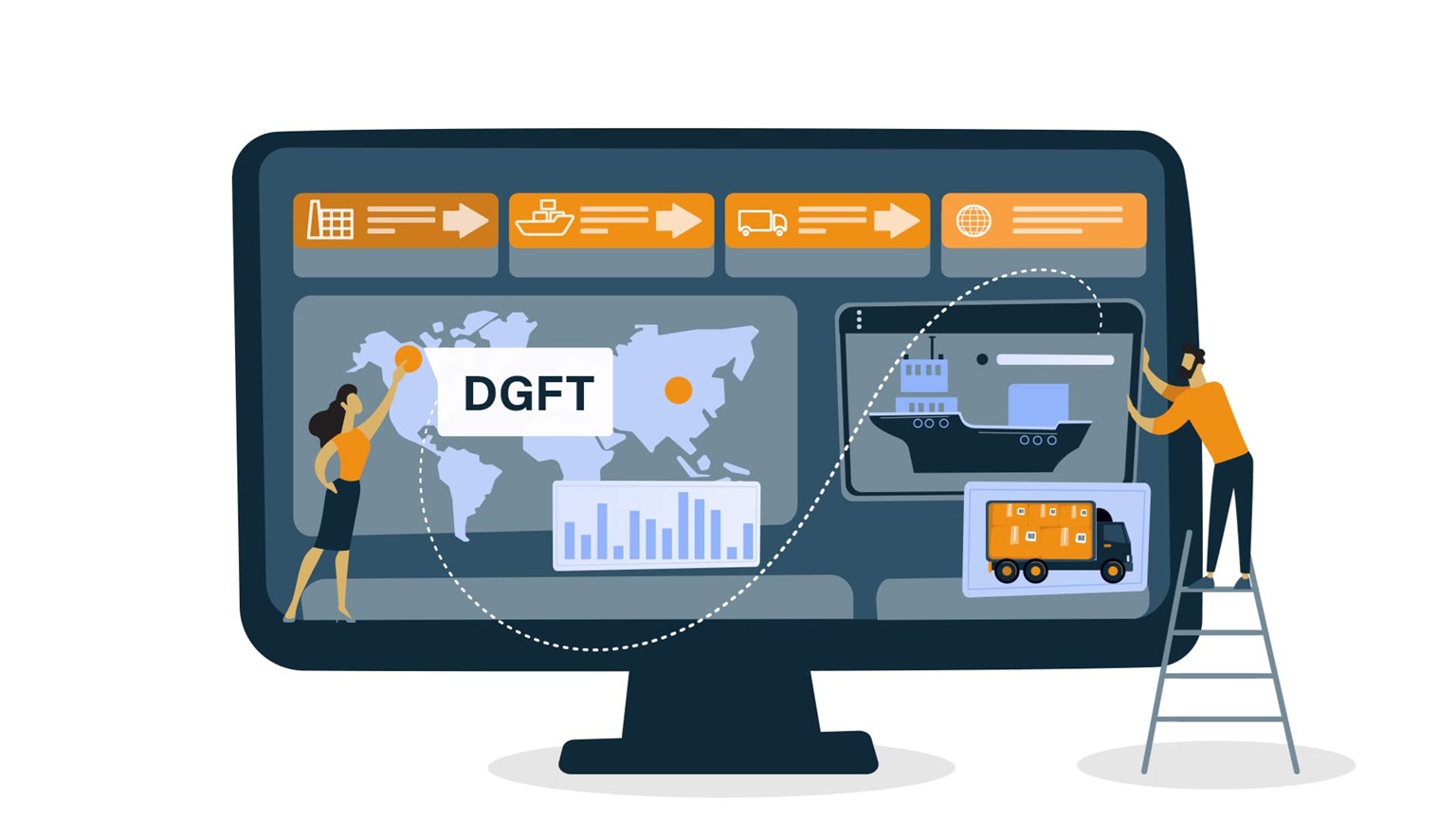
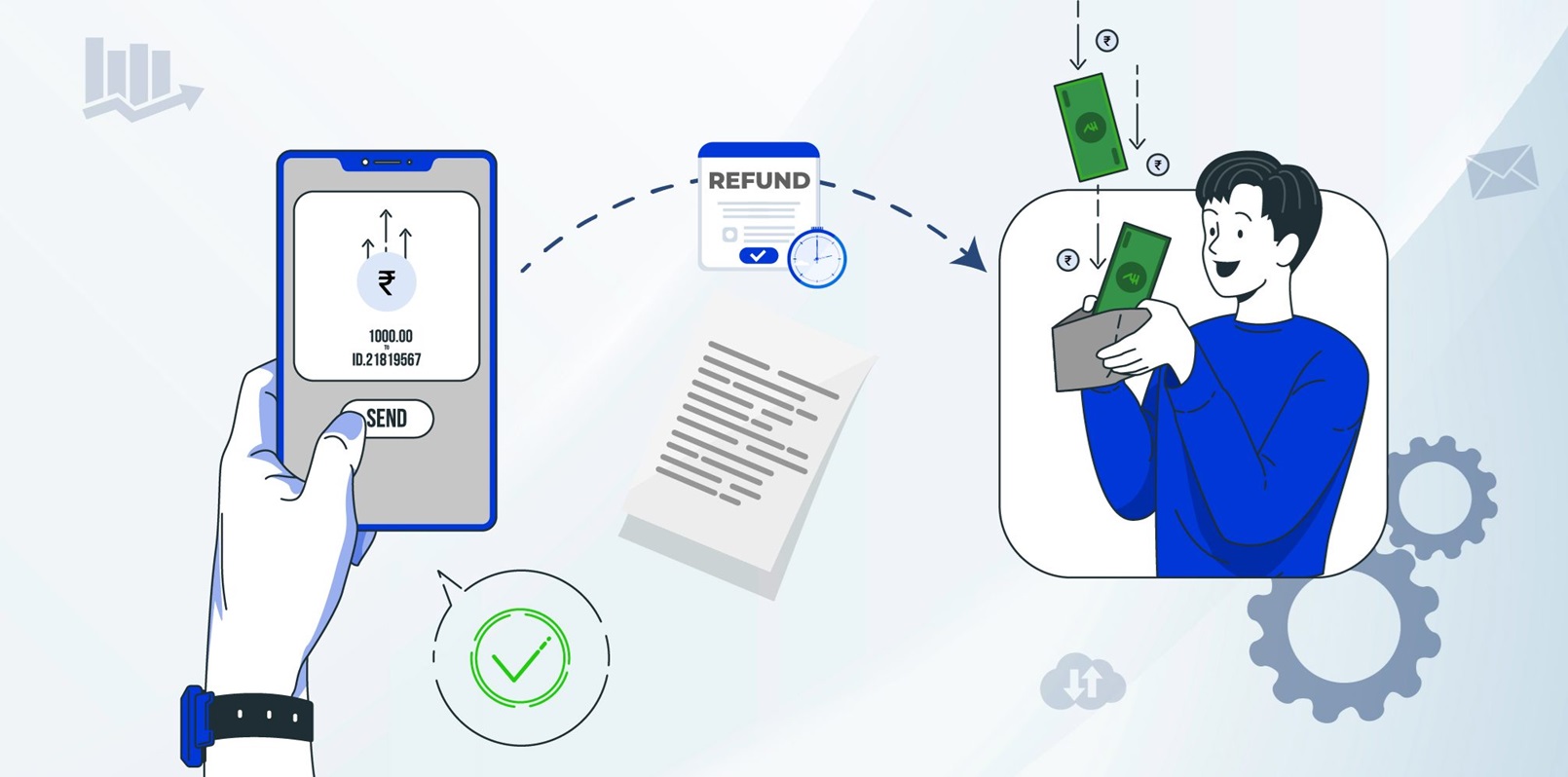
The DGFT (Directorate General of Foreign Trade) Refund Management System is an online service that allows exporters to apply for refunds of application fees or other payments made to DGFT in excess or due to exemptions. This system is part of the broader DGFT online services and is accessible through the DGFT customer portal.
Related / Similar Facility : DGFT Quality Complaints and Trade Disputes (QCTD)
How To Apply For DGFT Refund?
To apply Refund for any application following are required:
** Your user profile must be linked with an IEC.
** A valid DSC must be registered in the system. You may verify the same from My Dashboard > View and Register Digital Signature Token
FAQ On DGFT Refund Management System
Frequently Asked Questions FAQ On DGFT Refund Management System
What applications are eligible for Refund?
** Where the fee has been deposited in excess of the specified amount of fee.
** Where the fee has been deposited but no application has been made.
** Where the fee has been deposited in error, but the applicant is exempt from payment of fee.
My payment status is failed will I be able file for Refund?
User will be able to claim refund of file whose Payment Status is Success. Payment date & Payment Status will be auto populated when screen is displayed.
If my IEC is in DEL/cancelled/suspended, am I eligible to apply for Refund?
** If your IEC is in DEL, you shall not be allowed to proceed with submission of your request for applications under Refund Management.
** If your IEC is cancelled/suspended, you shall not be allowed to proceed with submission of your request.
I couldn’t complete my application, however, I had saved it after filing it partially. Where can I find it?
Please follow the below path to access your draft applications
** My Dashboard > Draft Applications.
** Click on Action (Under the Results) > Open
What is an application number? Where can I find it?
When an application is created and saved for the first time, an application number gets created. All draft applications have an application number. The same can be found by following the below path: My Dashboard > Draft applications
What is a file number? Where can I view my submitted applications/File number?
When an application is submitted, a file number is generated. The application is tracked via this file number. Please follow the below path to get the file number
** My Dashboard > Submitted Applications
** Enter Type of Scheme (Select in dropdown: Refund Management) and Type of Sub Scheme (Application for Fee Refund)
** Click on Search.
** All details of submitted applications are available in the search results. These details also include their file number.
How can I request for withdrawal of my submitted application?
Please follow the below path to withdraw a submitted application
** My Dashboard > Submitted Applications
** Enter Type of Scheme (Select in dropdown: Refund Management) and Type of Sub Scheme (Application for Fee Refund)
** Click on Search
** Click on Action (Under the Results) > Withdraw
Where can I view my approved applications?
Please follow the below path
** My Dashboard > Submitted Applications
** Enter Type of Scheme (Select in dropdown: Refund Management) and Type of Sub Scheme (Application for Fee Refund)
** Click on Search
** Click on Action (Under the Results) >View Letter
What is view lifecycle? Where can I see it?
Please follow the below path
** My Dashboard > Submitted Applications.
** Enter Type of Scheme (Select in dropdown: Refund Management) and Type of Sub Scheme (Application for Fee Refund)
** Click on Search
** Click on Action (Under the Results) > View Life Cycle
Where can I see the DSC/e-Sign details of the submitted applications?
Please follow the below path to view the DSC/e-Sign details of a submitted file for
** My Dashboard > Submitted Applications.
** Enter Type of Scheme (Select in dropdown: Refund Management) and Type of Sub Scheme (Application for Fee Refund)
** Click on Search
** Click on Action (Under the Results) > DSC/e-Sign Details
Where can I check the status of my submitted application?
Please follow the below steps
** My Dashboard > Submitted Applications
** Enter Type of Scheme (Select in dropdown: Refund Management) and Type of Sub Scheme (Application for Fee Refund)
** Click on Search
** In the search results, please find the status of the submitted application under the column File Status
What to do if my application is marked as deficient?
If the File Status of your submitted application is marked as deficient, please follow the below steps to respond to the deficiency raised by the officer:
** My Dashboard > Submitted Applications
** Enter Type of Scheme (Select in dropdown: Refund Management) and Type of Sub Scheme (Application for Fee Refund)
** Click on Search
** Click on Action (Under the Results) > Respond Deficiency
** Click on View under the Deficiency view to view the deficiency letter issued by the officer.
** To respond to deficiency, click on Respond under the Respond to Deficiency.
** A pop-up shall appear asking you Do you want to amend application? , in case you have to add attachments only, please click on NO whereas, to make changes to your application, please click on YES.
** On submission of your response, the life cycle view of the application is updated for your reference and the file is submitted to the RA officer who issued the deficiency letter.
Where can I confirm the submission of my response to a deficiency against my submitted application?
Post submission of your response to the deficiency, a pop-up appears confirming your submission. Also, the same gets updated in the life cycle view.